Lesson4 منٹ کا مطالعہ
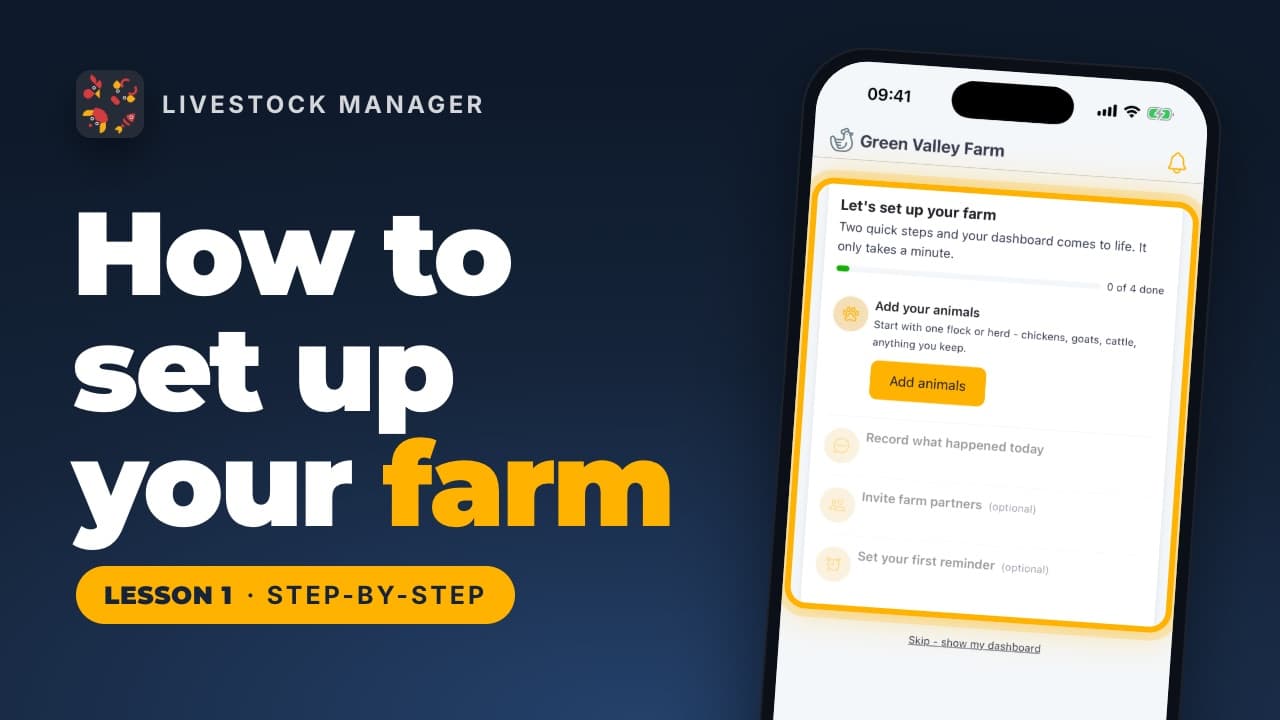
Lesson 1
How to Set Up Your Farm Account
Create your Livestock Manager account, name your farm and find your way around the Home screen, from the setup guide to the five tabs.
Video lessons
Short, step-by-step videos that walk you through the app, each with a written guide you can follow along.
Lesson 1
Create your Livestock Manager account, name your farm and find your way around the Home screen, from the setup guide to the five tabs.
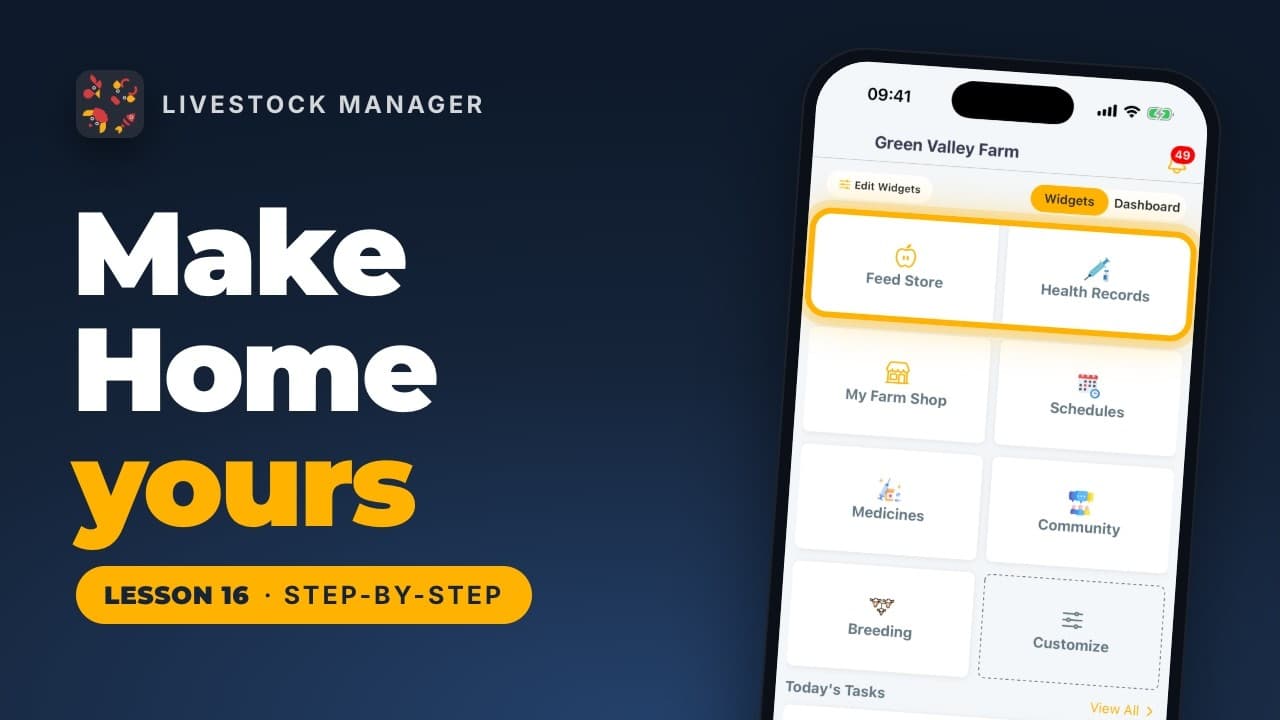
Lesson 16
Choose which shortcuts appear on Home, put your most-used ones first, and switch between the tile view and the dashboard whenever you like.
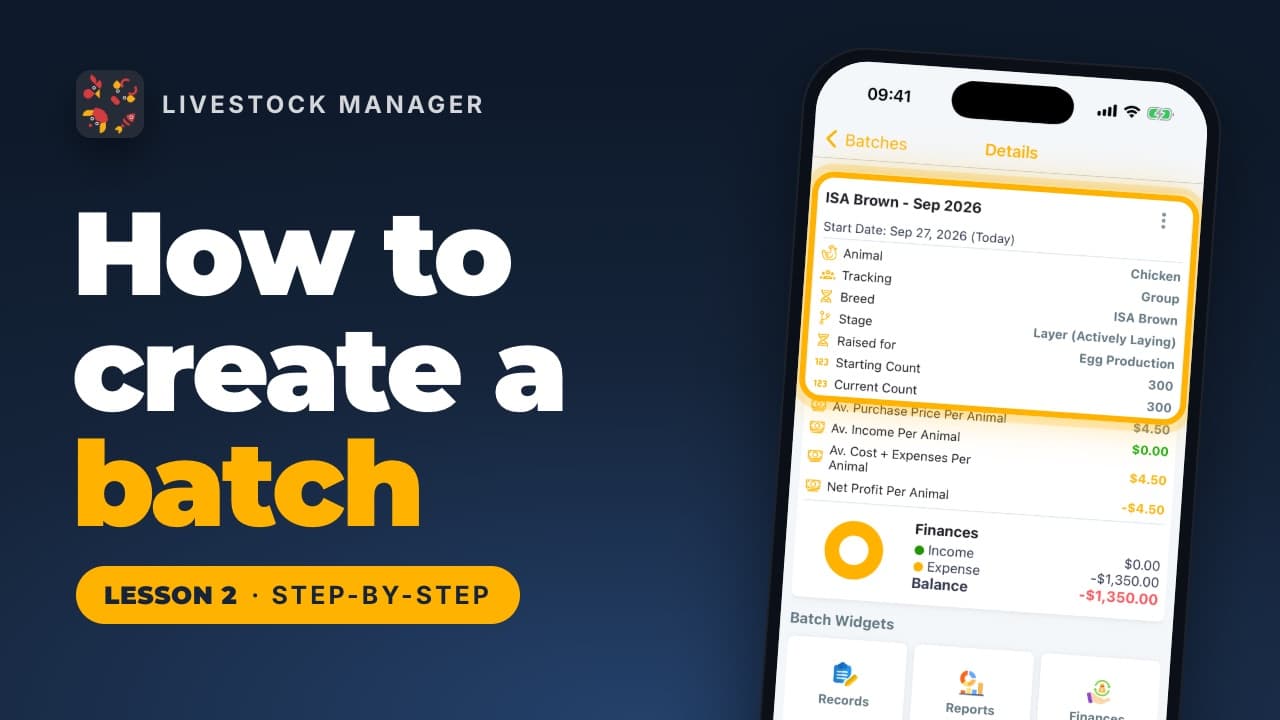
Lesson 2
Create a batch in Livestock Manager: choose the animal, count a flock as one group or track each animal, then add breed, count, price and details.
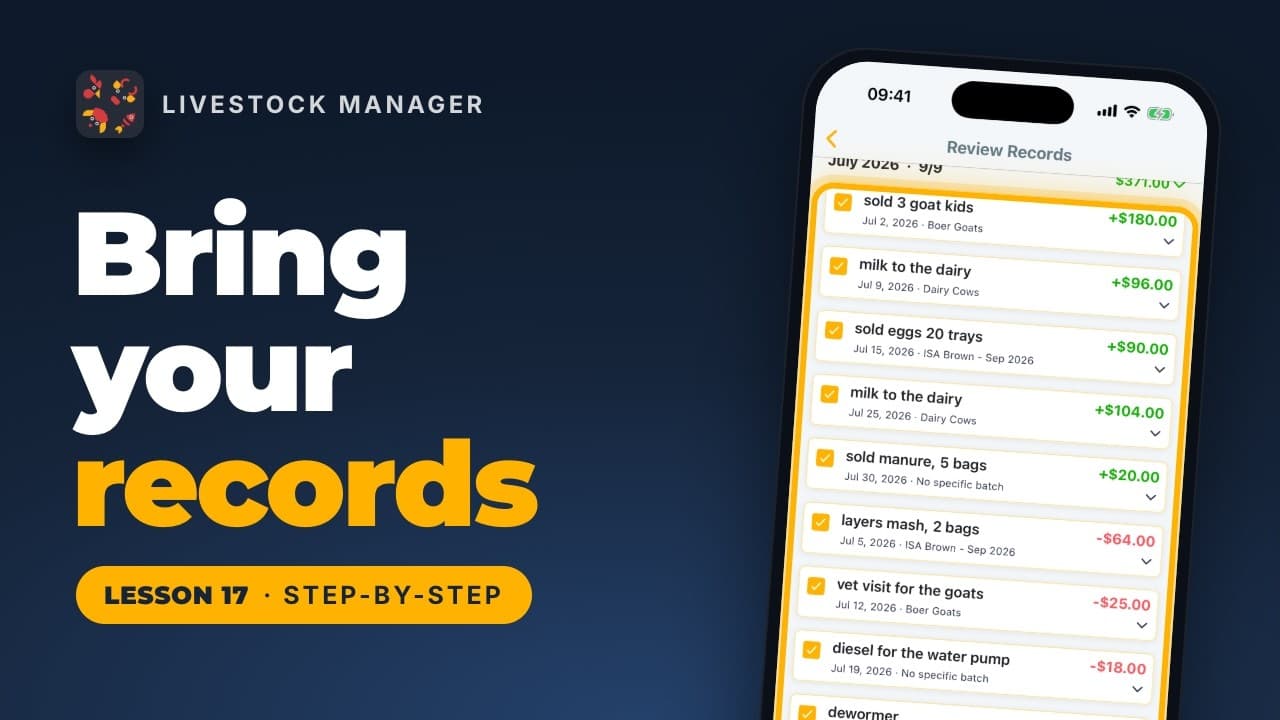
Lesson 17
Snap a photo of your paper cash book, a PDF, or a spreadsheet, and let the app read it into draft records you check and save into Finances.
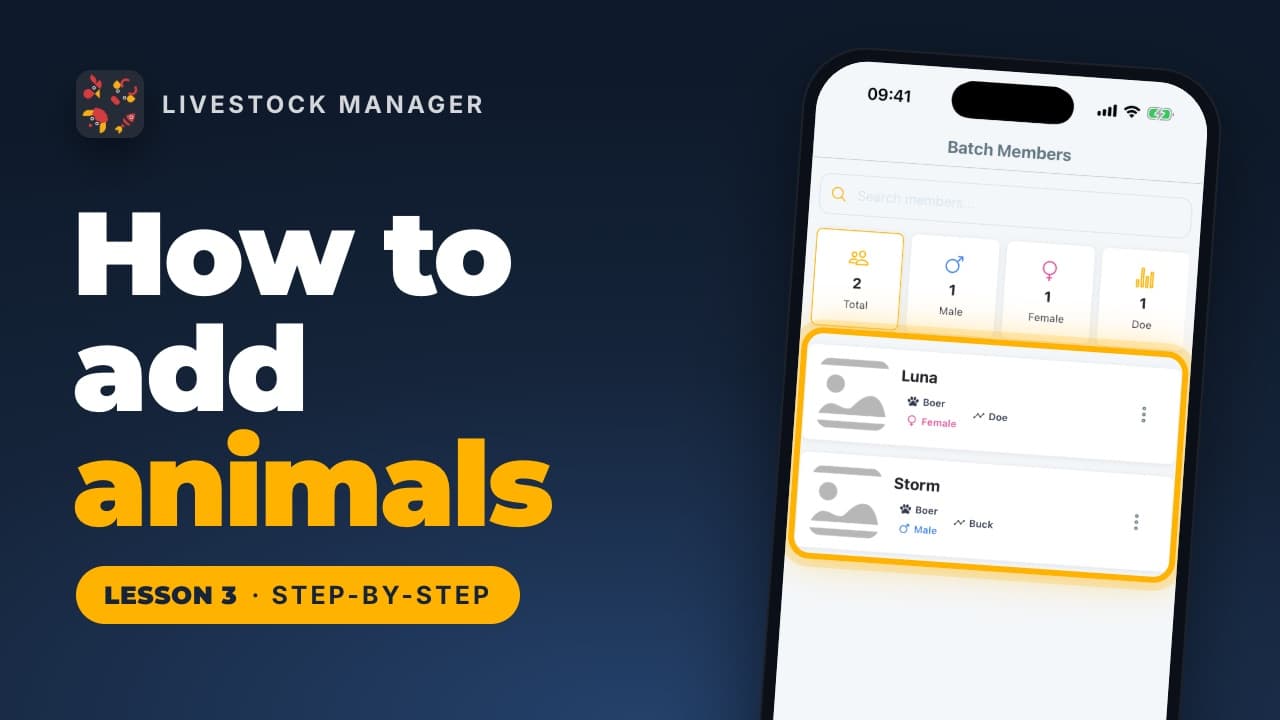
Lesson 3
Add animals to a livestock batch one at a time, many at once, or from a spreadsheet, then open each animal's profile. Found under Batch Members.
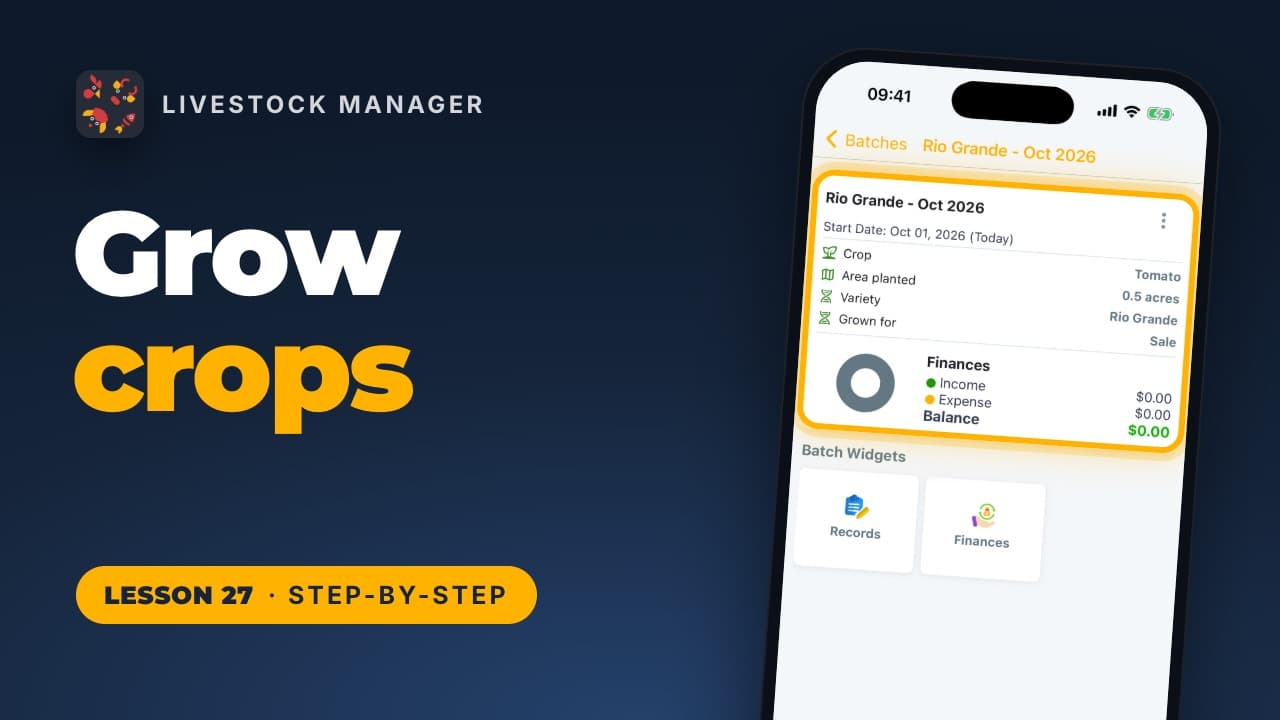
Lesson 27
Switch on Track crops, start a planting with its crop, variety and land, file costs such as seed on it, and see each crop's income, expense and balance.
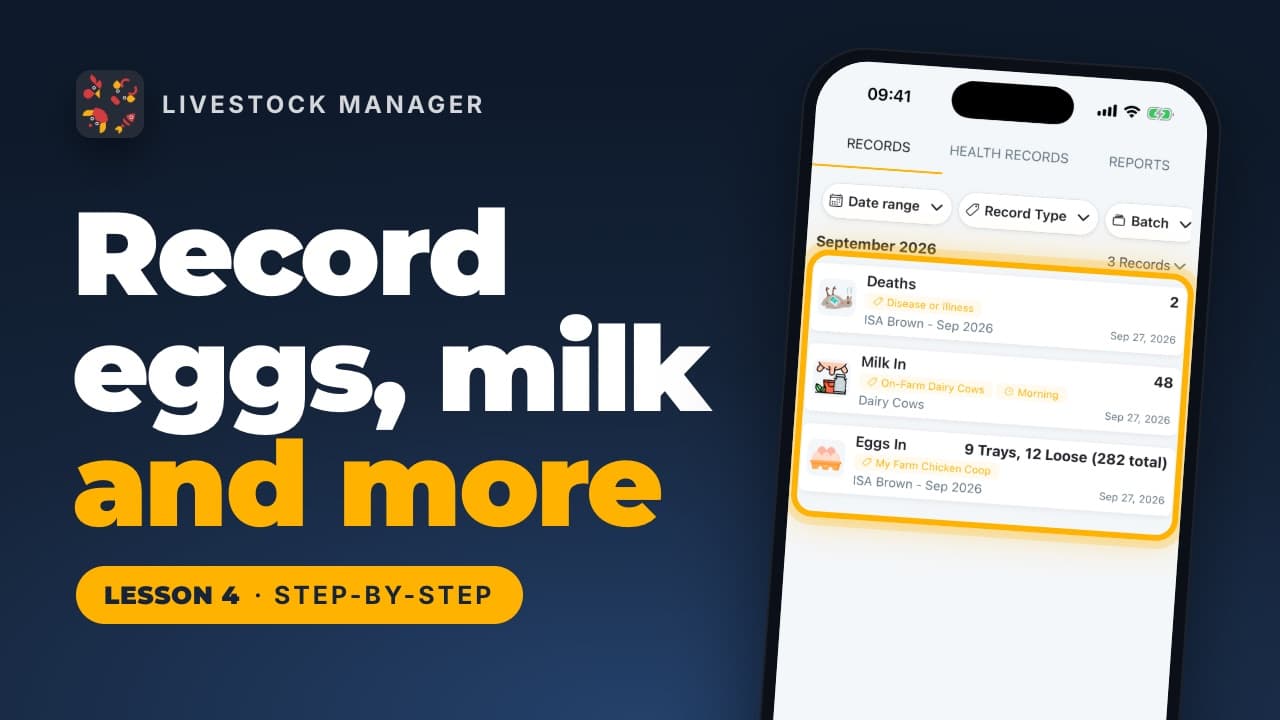
Lesson 4
Record eggs in trays, milk by time of day, deaths, weight, water and temperature from the Records tab, then read the totals in Reports.
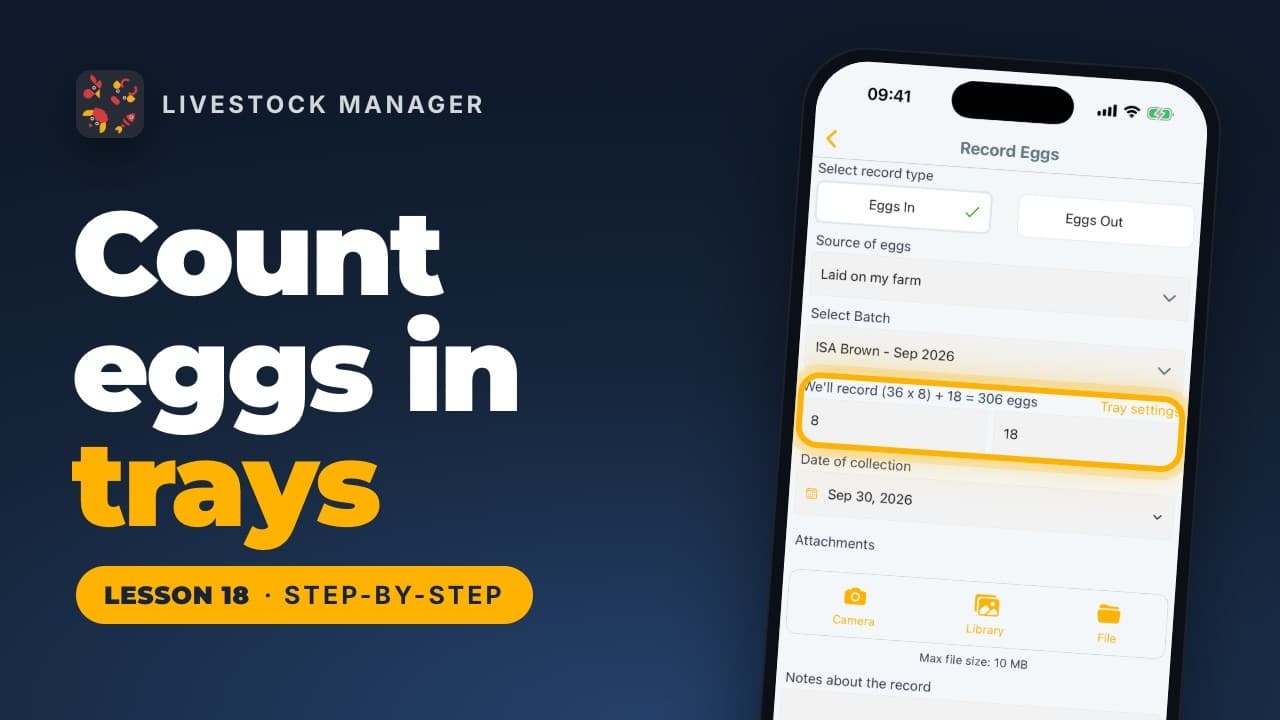
Lesson 18
Egg records count in trays and loose eggs. Set the right tray size for each kind of bird once, and every record and report follows it.
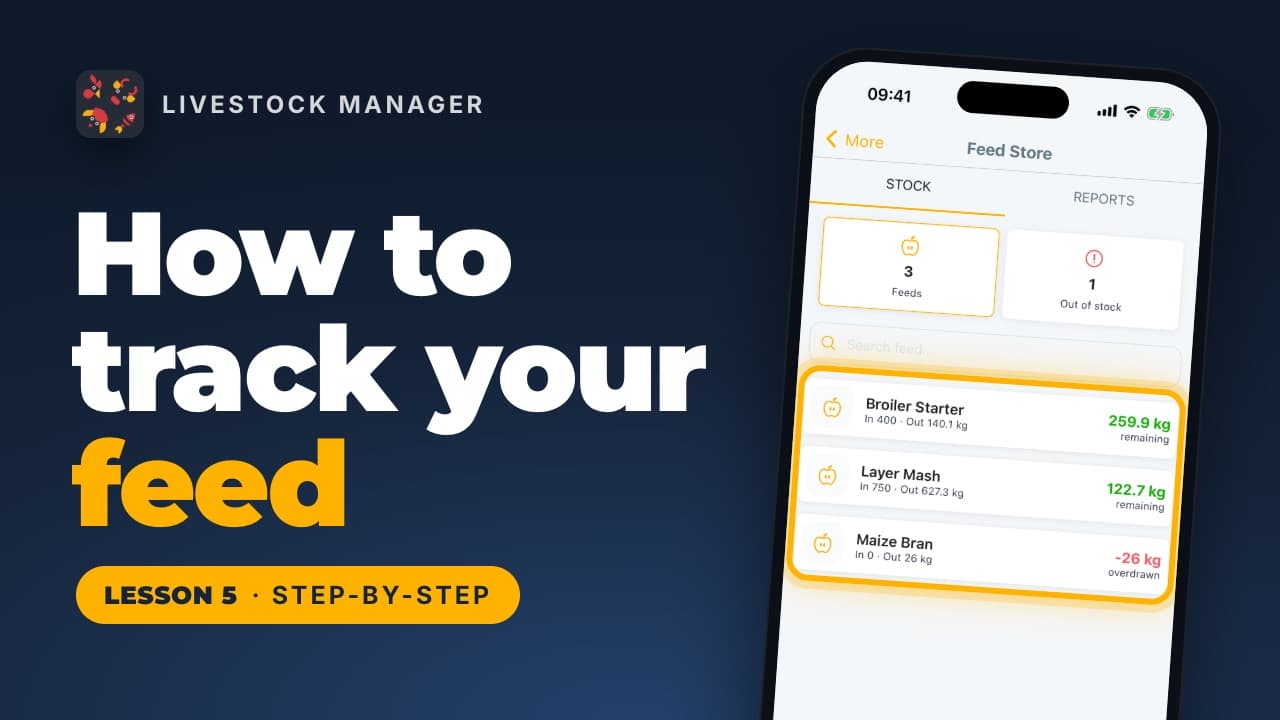
Lesson 5
Track feed stock, record each feeding and purchase with its cost, and see how many days your feed will last, from the Feed Store in the app.
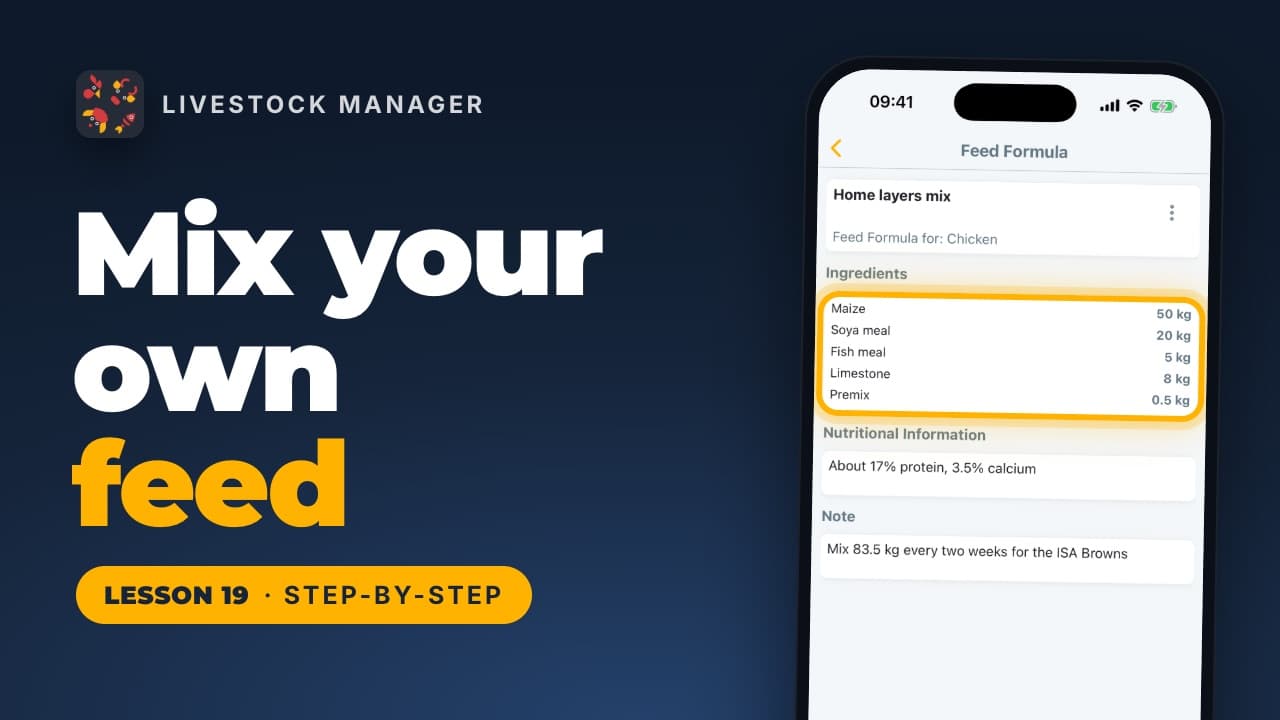
Lesson 19
Save the recipe for the feed you mix yourself, ingredient by ingredient, then stock each mix in the Feed Store, linked to its recipe.
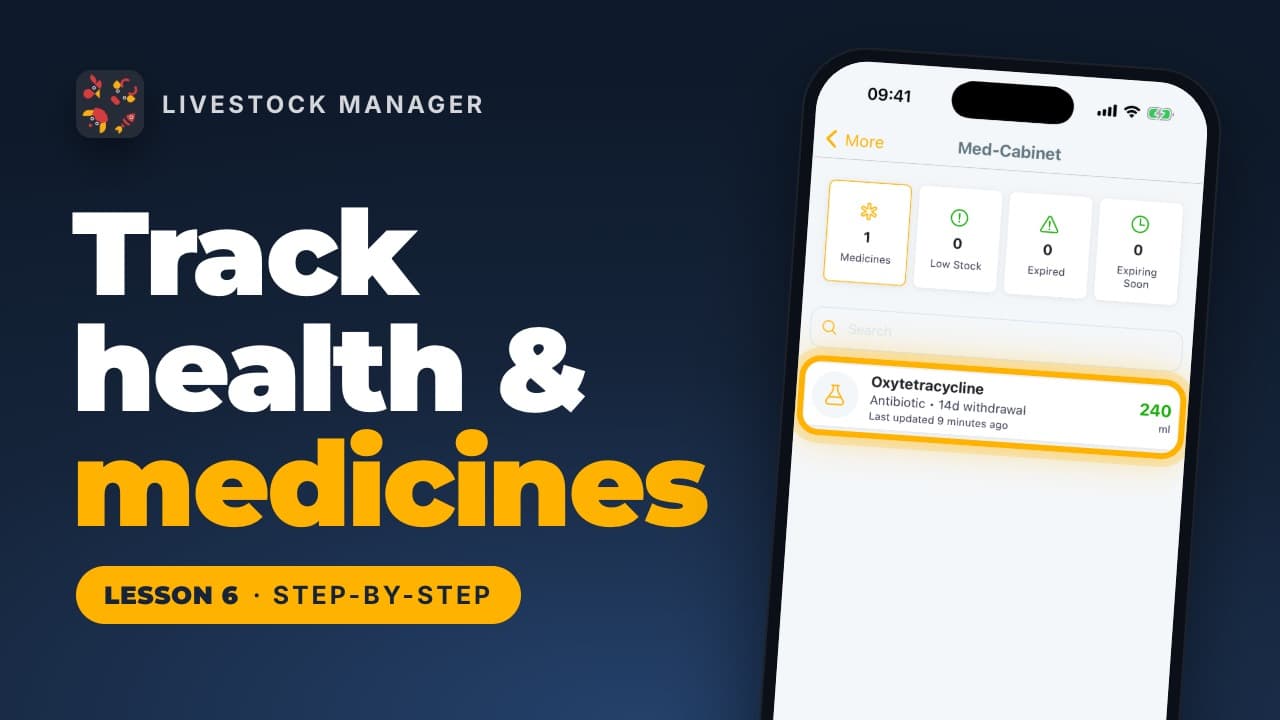
Lesson 6
Add medicines to the Medicine Store, record a treatment under Health Records, and let the app take the dose from your stock and set the withdrawal date.
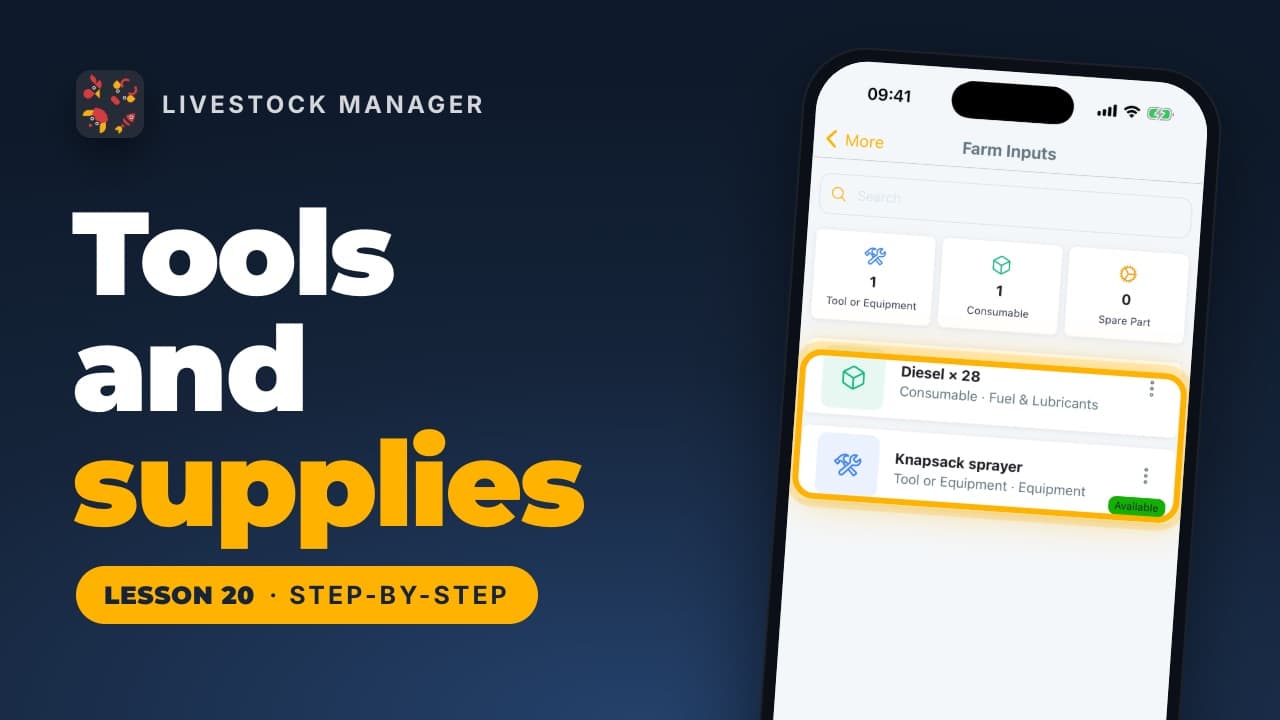
Lesson 20
Keep your tools, fuel and spare parts in the app with what they cost, send that cost to Finances with one switch, and record what you use.
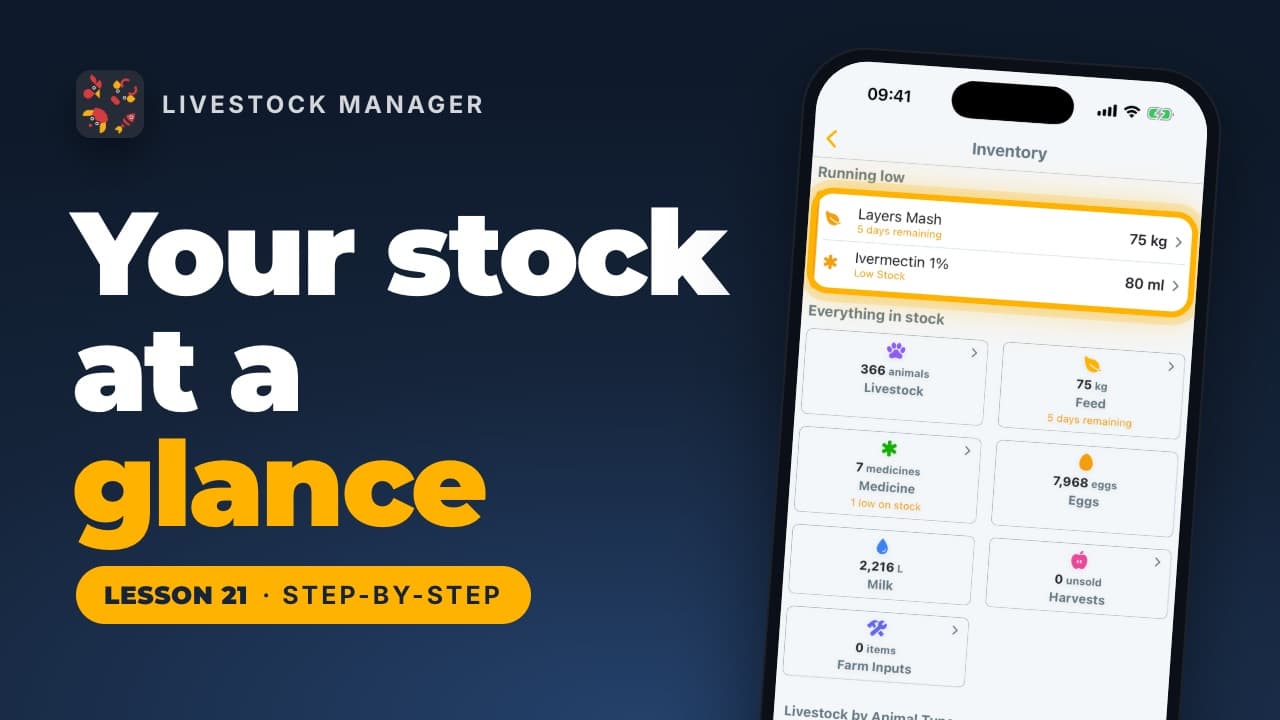
Lesson 21
Inventory shows everything your farm holds on one page, with whatever will run out first at the top: feed by the days it will last, medicine by what's left.
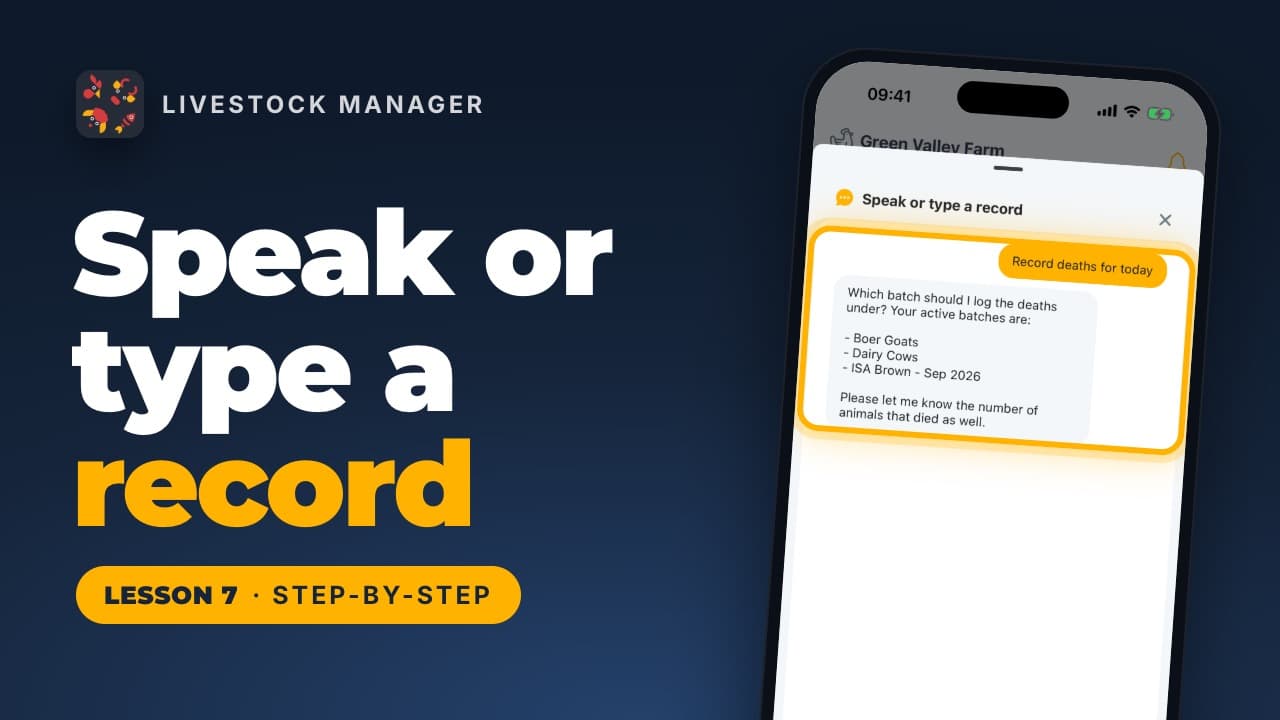
Lesson 7
Record eggs, deaths, feed, sales and more by typing or saying what happened. Use Speak or type on Home, then check the saved numbers in Records.
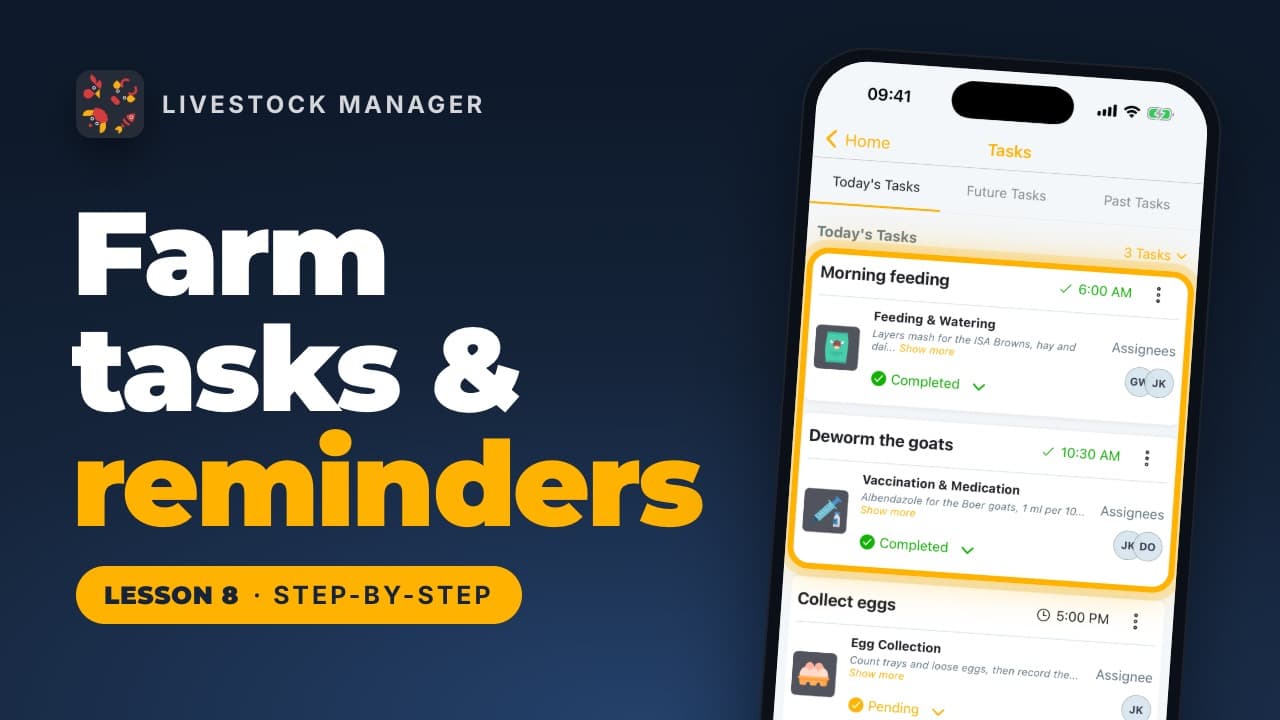
Lesson 8
Schedule feeding, vaccination and cleaning jobs once, assign people and get reminders. Find tasks on Home and under More, Task Schedules.
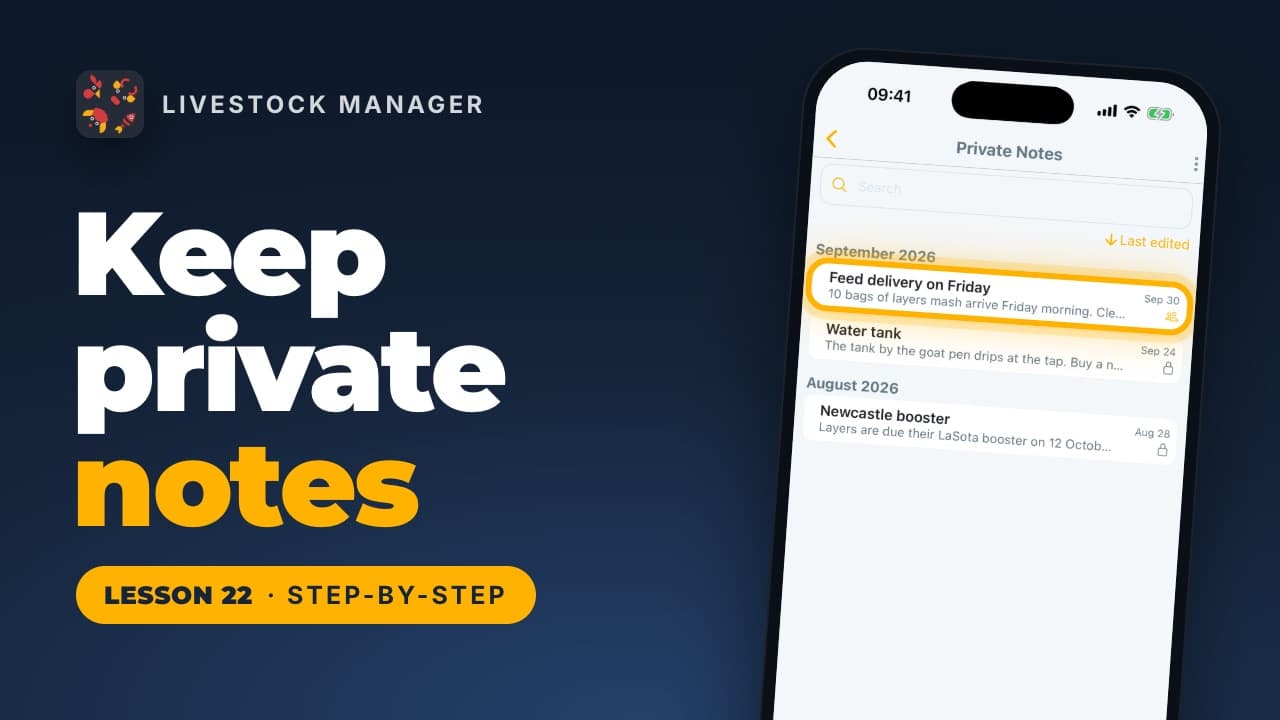
Lesson 22
Write farm notes only you can see, find any of them again with search, and share one with everyone on your farm when you're ready, or make it private again.
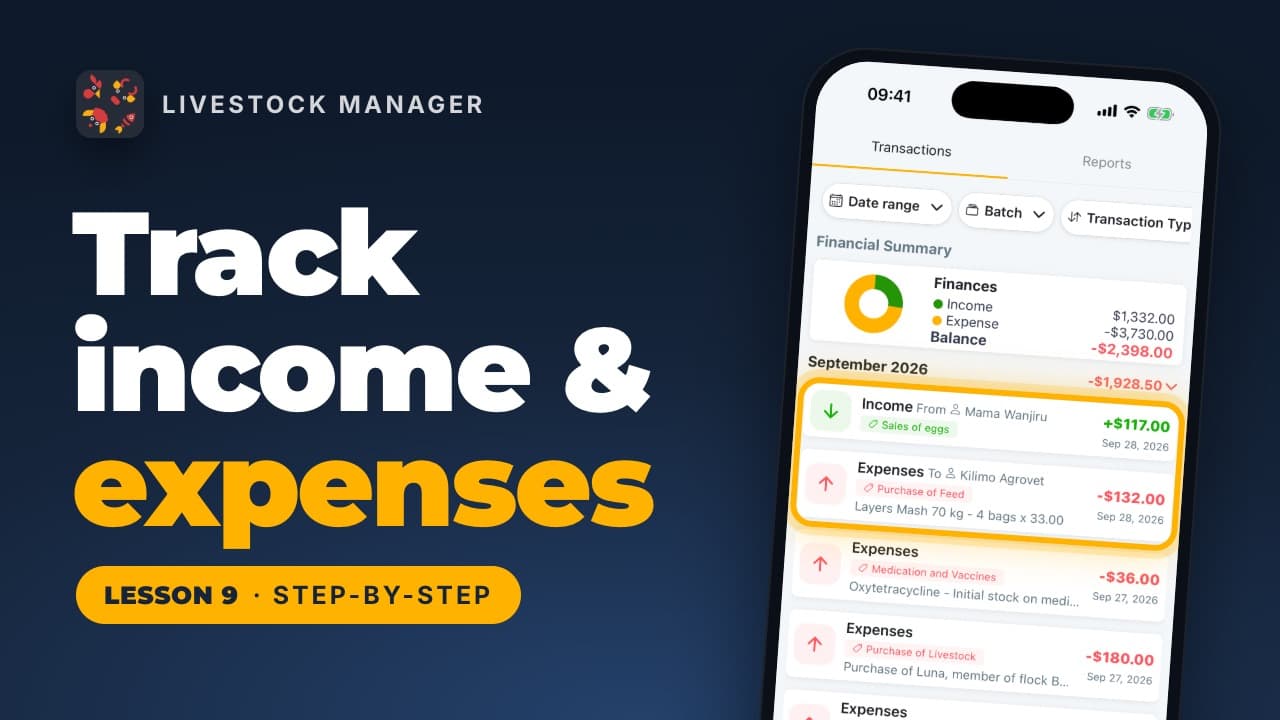
Lesson 9
Record farm sales and costs in Livestock Manager, scan a receipt to fill in an expense, and read monthly totals and reports from the Finances tab.
Lesson 10
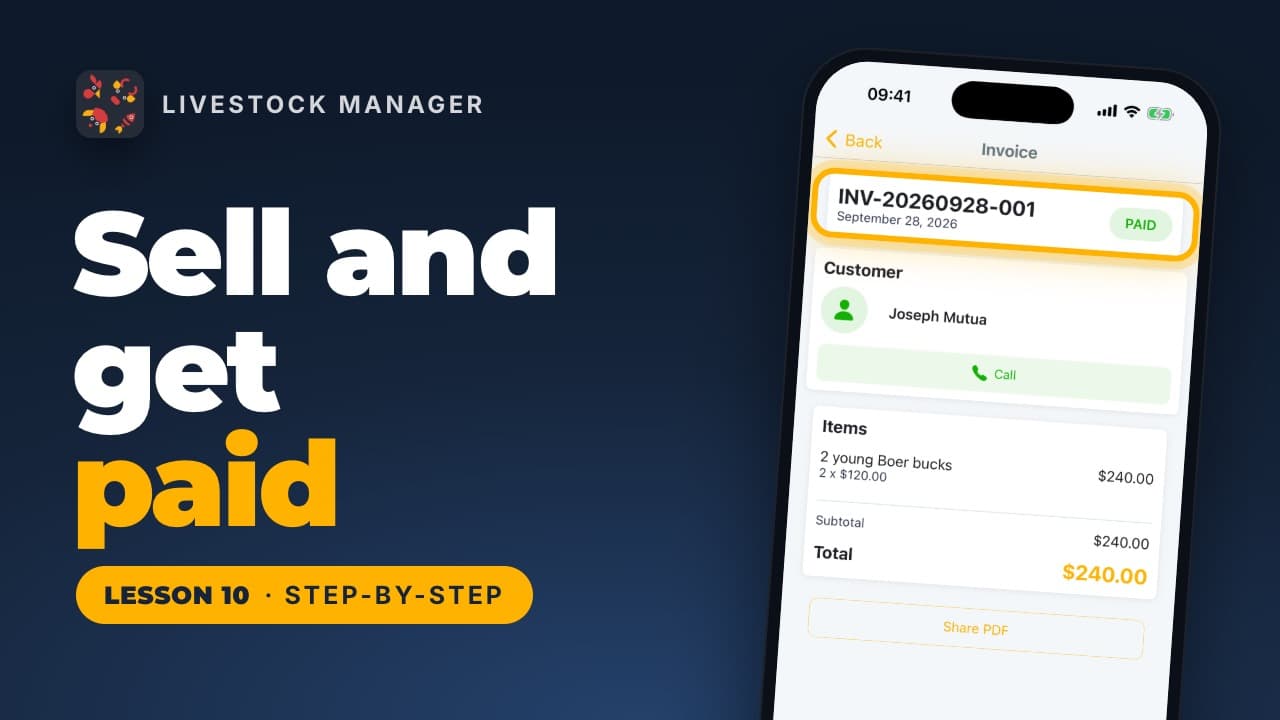
Record a livestock sale with its buyer, turn it into an invoice, send it and mark it paid in Livestock Manager. Start from More, then Selling.
Lesson 11a
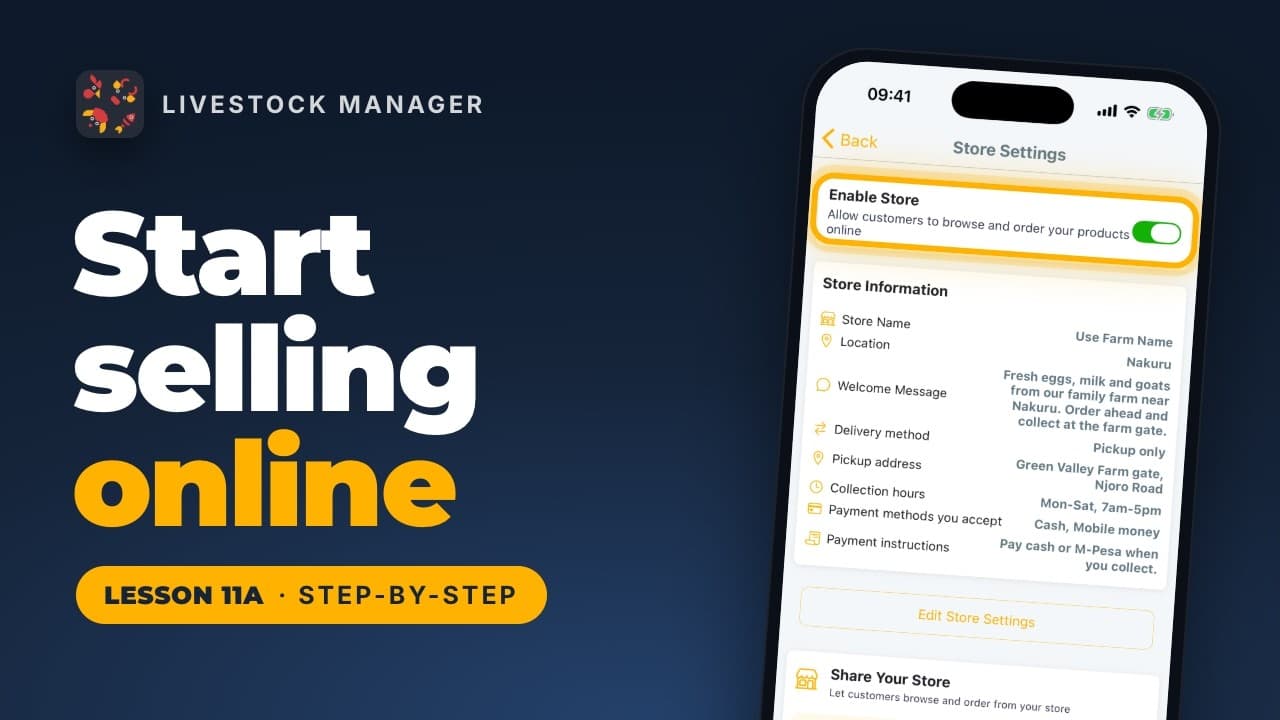
Turn on your farm's online shop: finish the short web setup, switch it on in the app, then share the link so customers can start ordering.
Lesson 11b
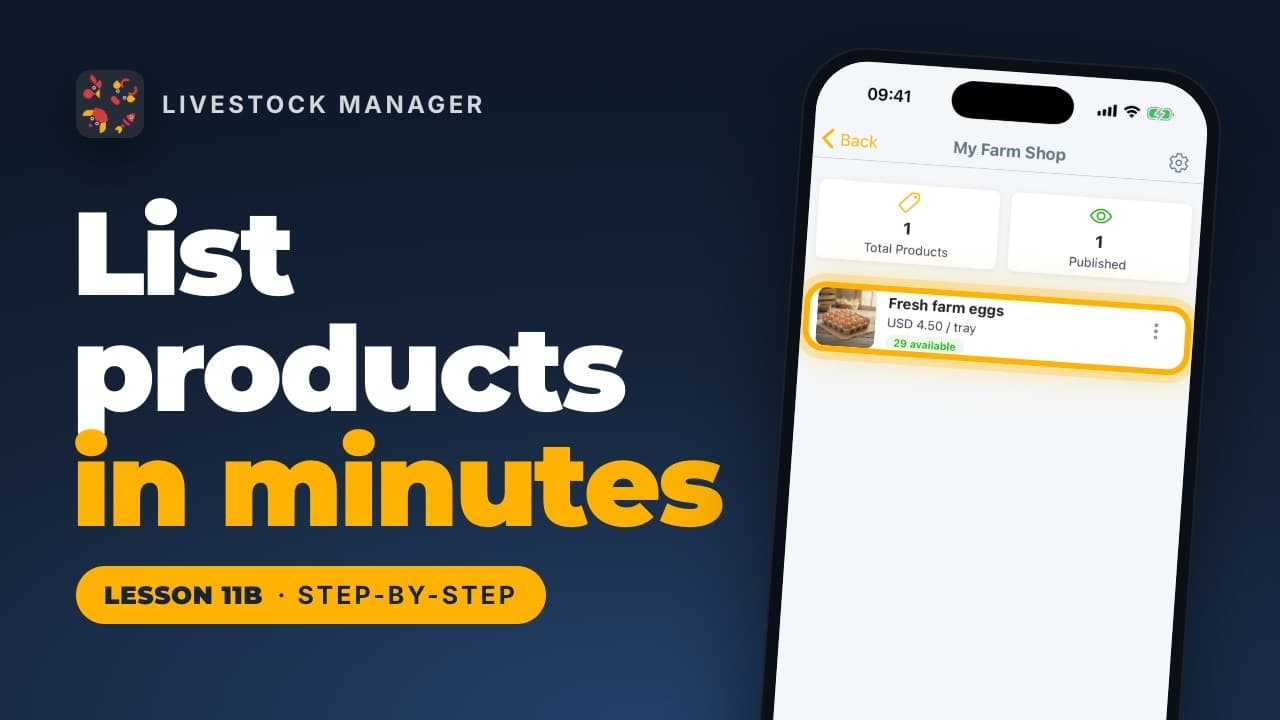
List a product in your farm shop: a name and photo, a price per unit or by size, and stock that follows your own records automatically.
Lesson 11c
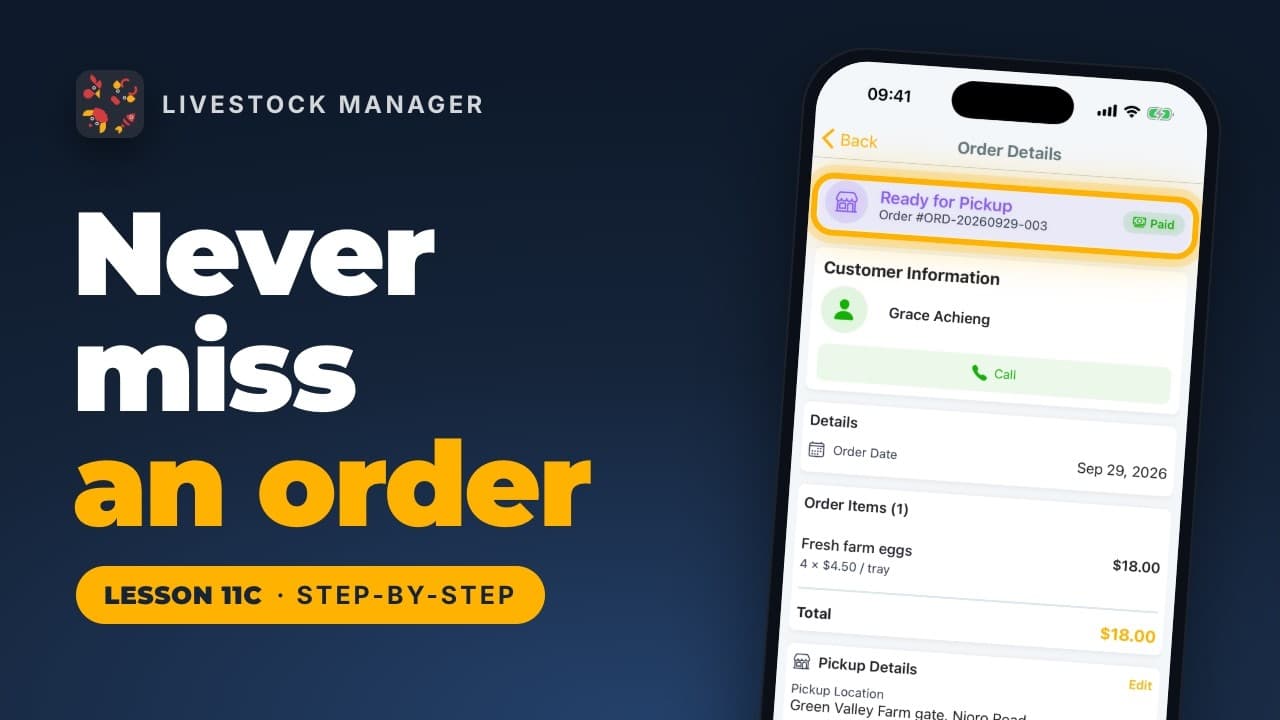
From a new order alert on Home to a recorded sale: confirm, fulfill, hand over and mark paid, with the income recorded for you automatically.
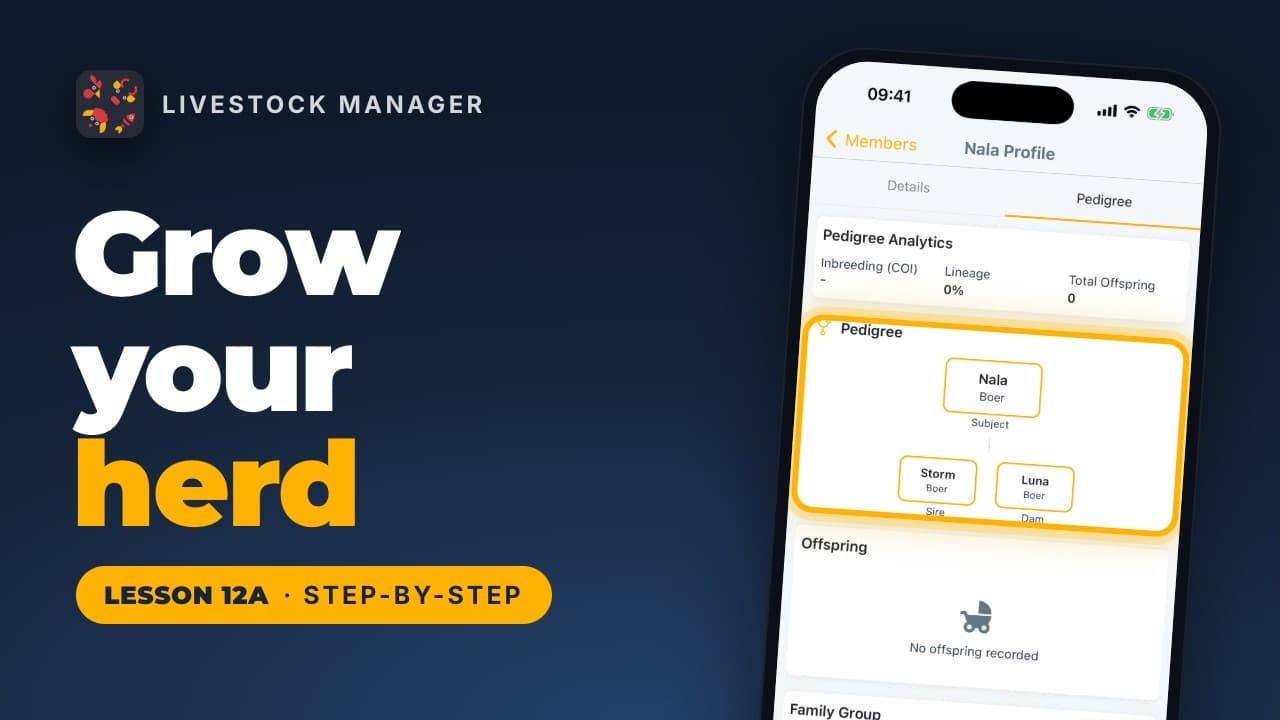
Lesson 12a
Start a breeding project, pick the mother and father, follow the pregnancy on a due date the app works out, then record the birth and name each kid.
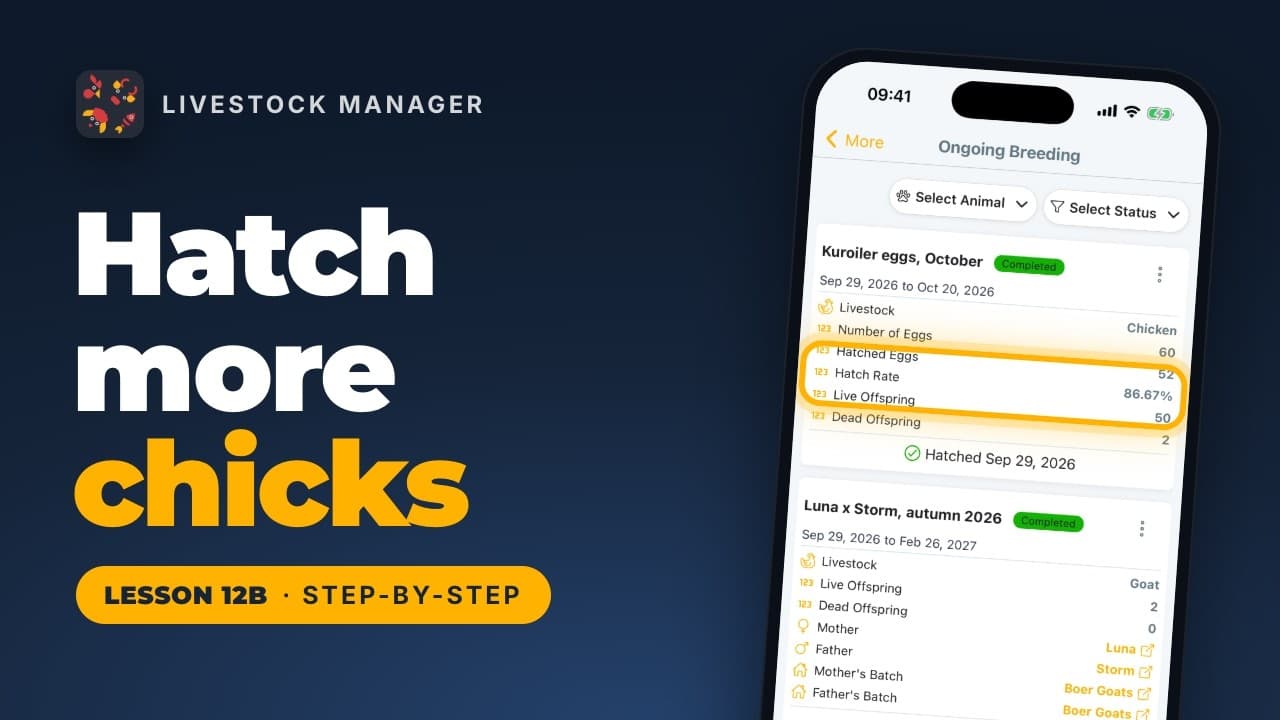
Lesson 12b
Start a hatching project for your incubator, follow candling tasks to hatch day, then record the hatch and turn the chicks into a new batch.
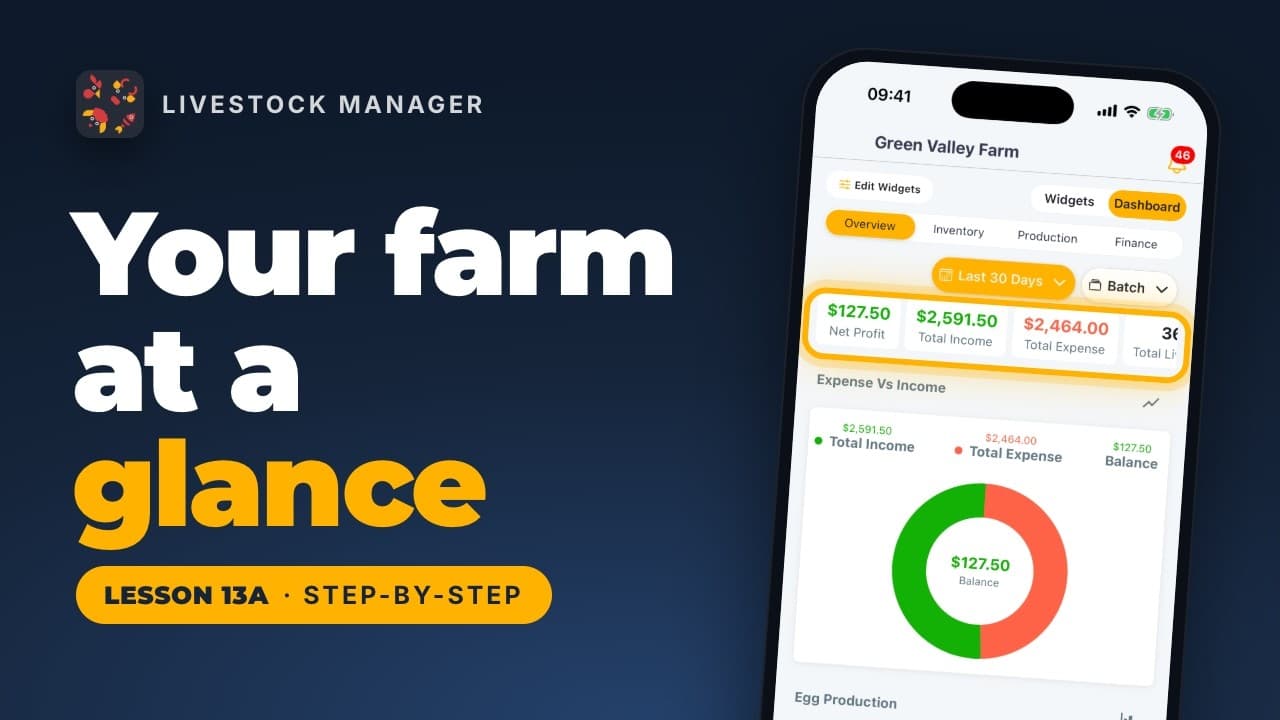
Lesson 13a
Switch Home to the Dashboard for your whole farm on one screen: profit, animals, eggs and feed, filtered by period or a single batch.
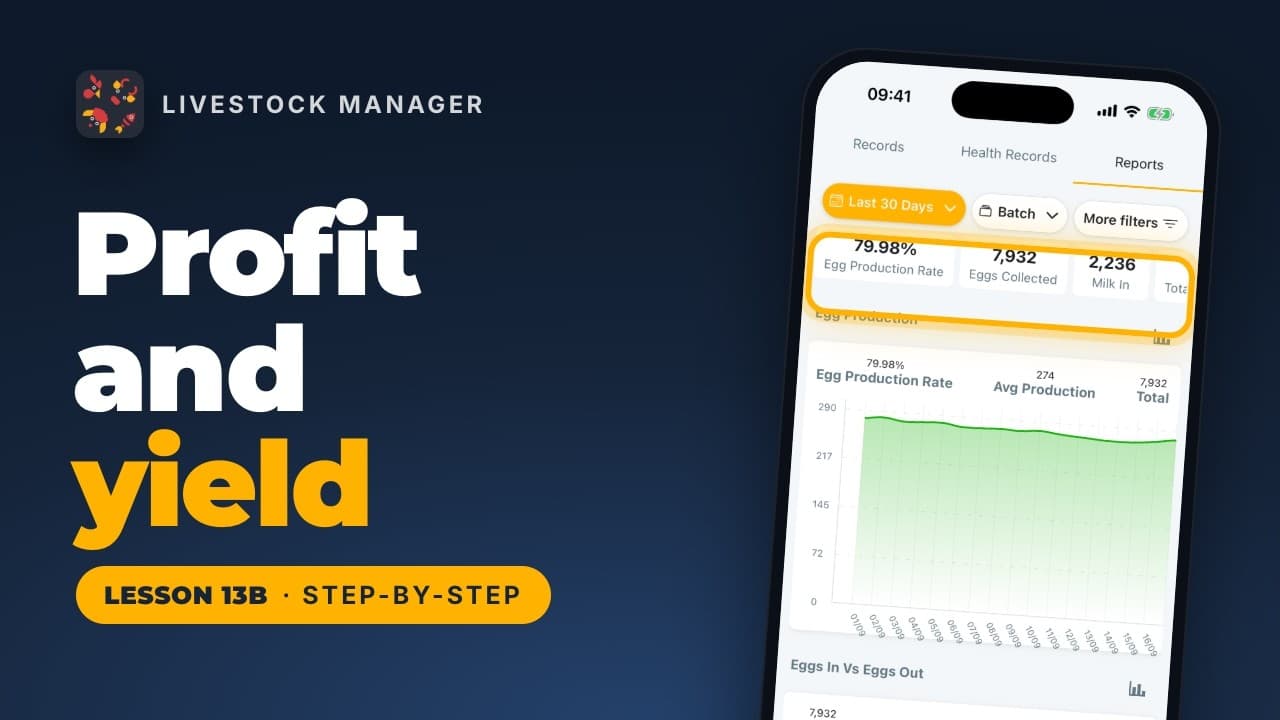
Lesson 13b
Read your balance and where money came from under Finances, and your laying rate and eggs a day under Records, for the whole farm or one batch.
Lesson 13c
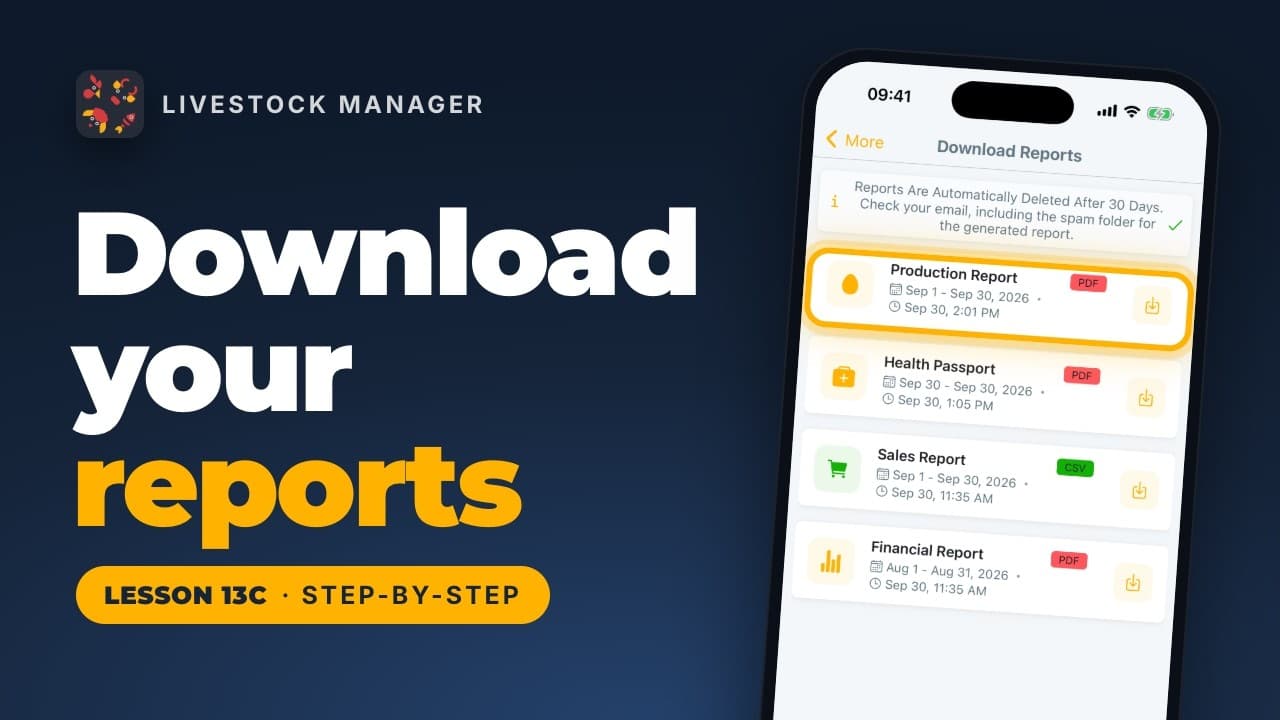
Generate and download a PDF or CSV report for your farm, one animal's health passport, or a breeding project, all kept for 30 days to download again.
Lesson 14
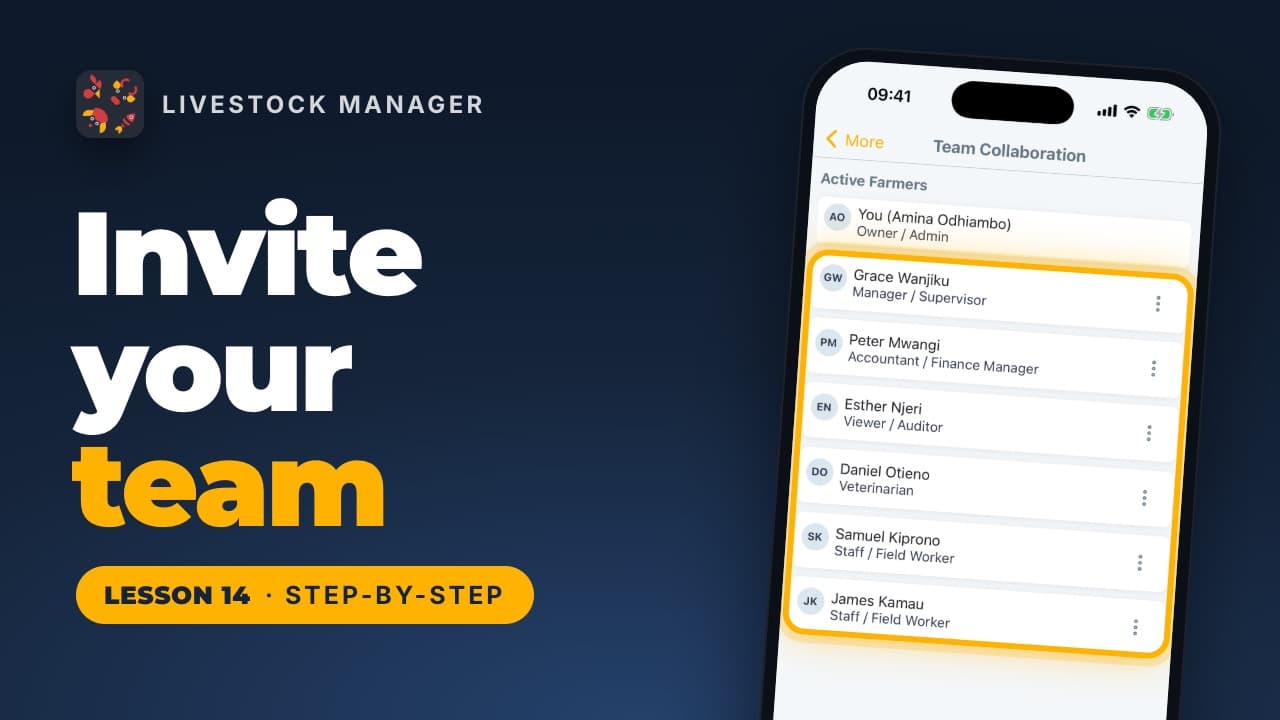
Invite workers, a vet or an accountant to your farm by email, choose a role for each, and block anyone who leaves, from Team Collaboration in the app.
Lesson 15
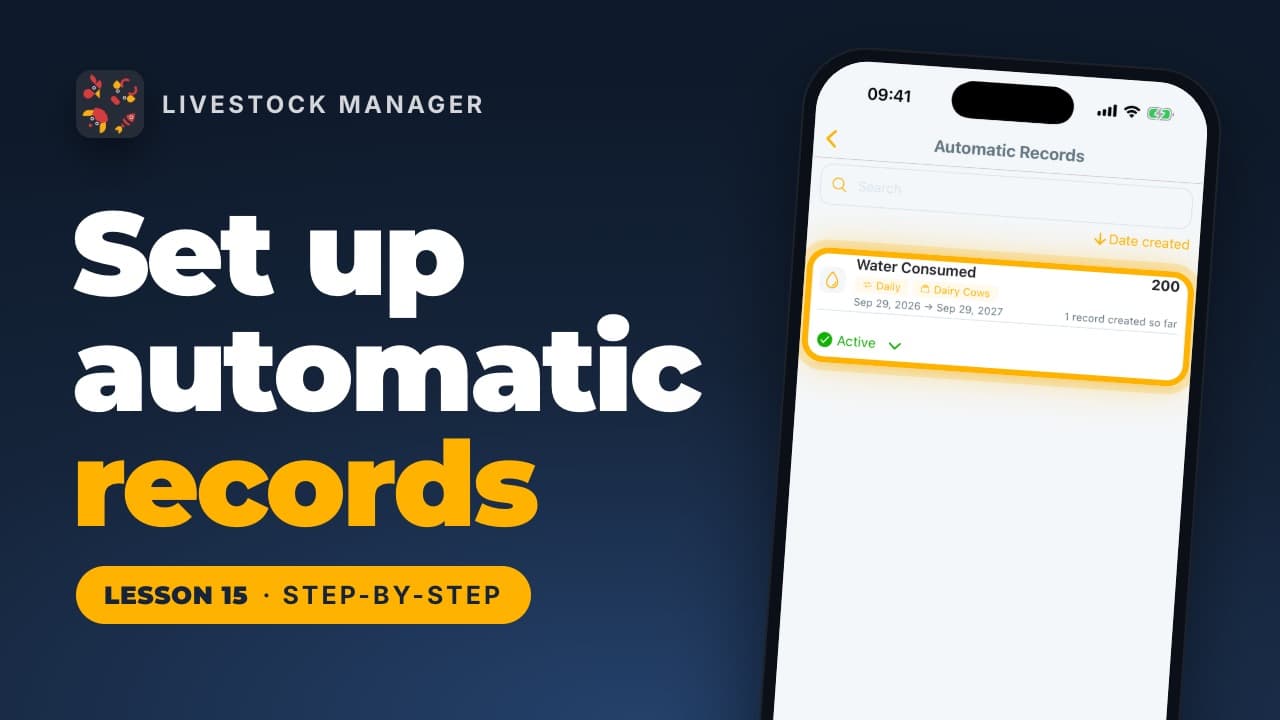
Set up a schedule for daily feed, water or other farm records and let the app write them for you. Find it in More, under Planning & records.
Lesson 23
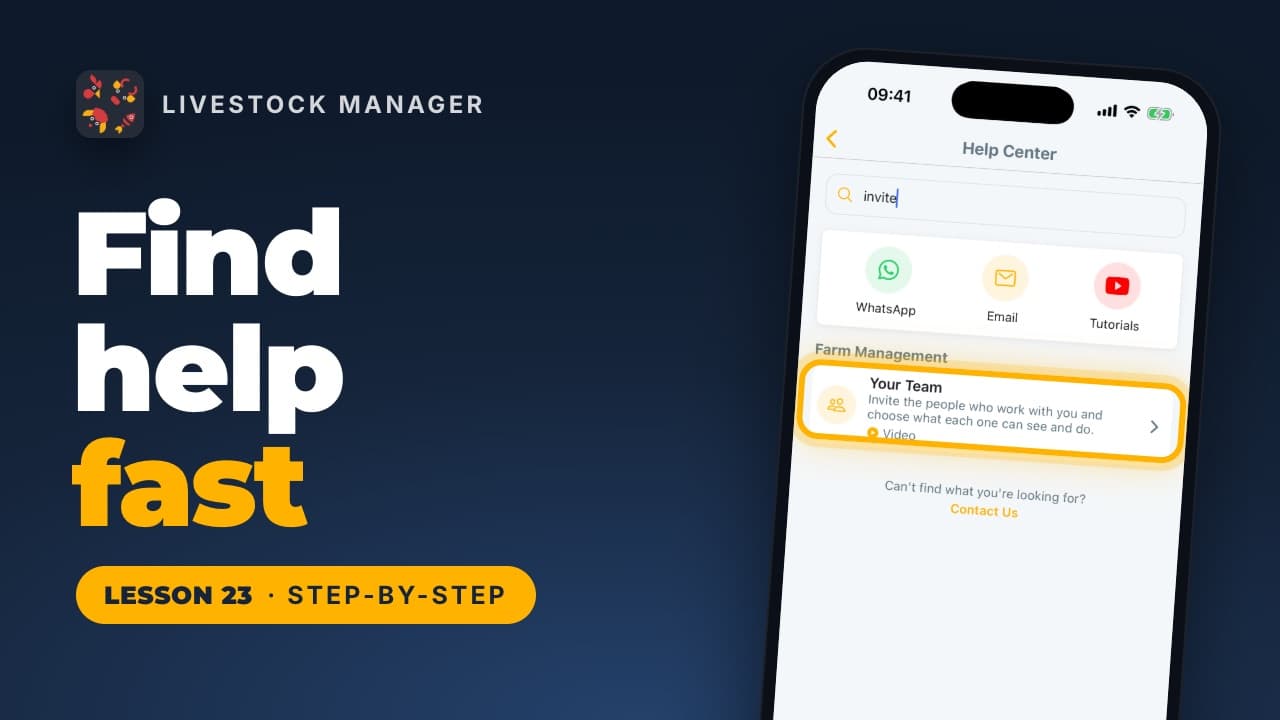
Open the Help Center to search step-by-step guides, most with a video, read quick answers, or reach us on WhatsApp, by email or from the app.
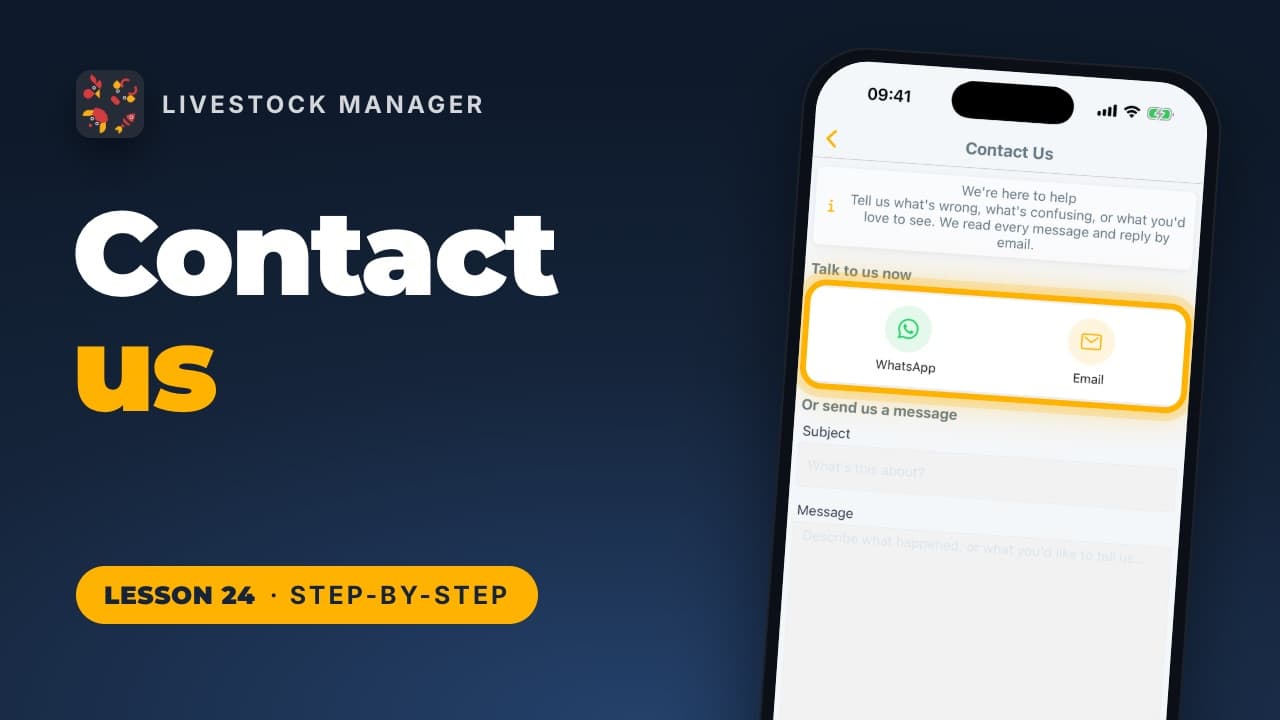
Lesson 24
Message us on WhatsApp or by email for an answer now, or write from the app with up to 5 screenshots. Contact Us is at the top of More; we reply by email.
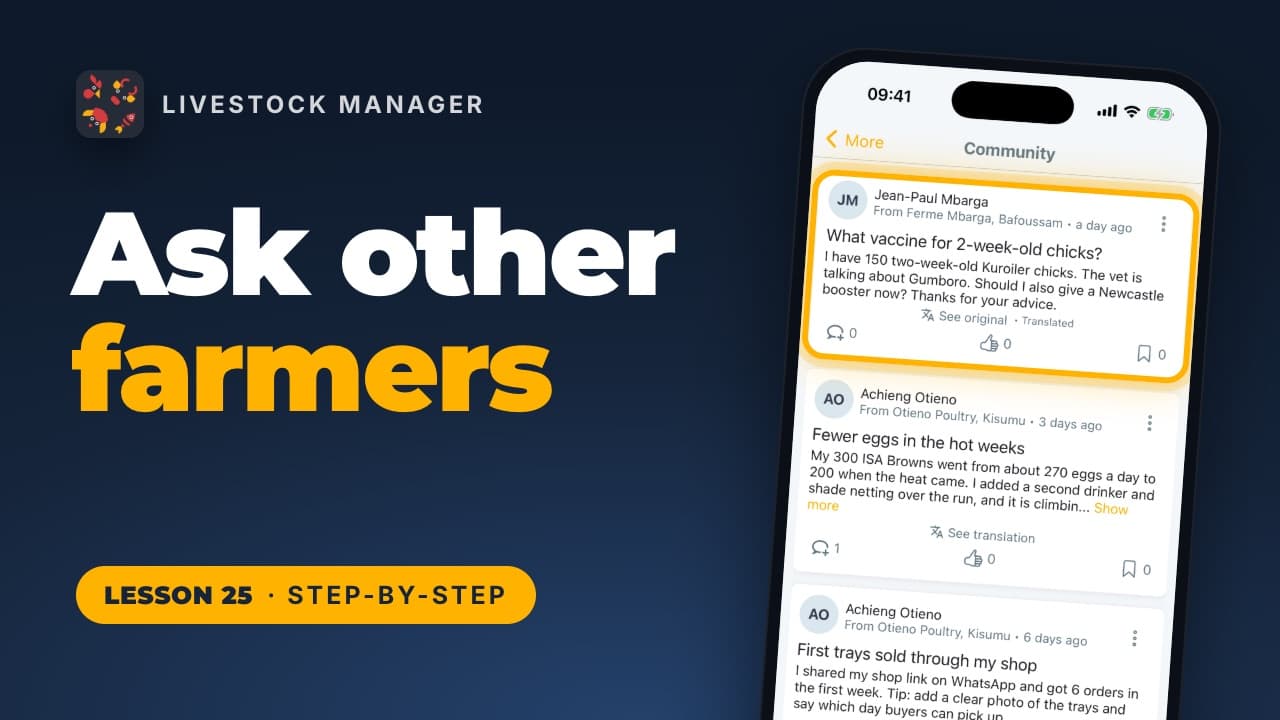
Lesson 25
Read questions and tips from farmers who use the app, read any post in your language with See translation, comment, like, and ask your own with New Post.
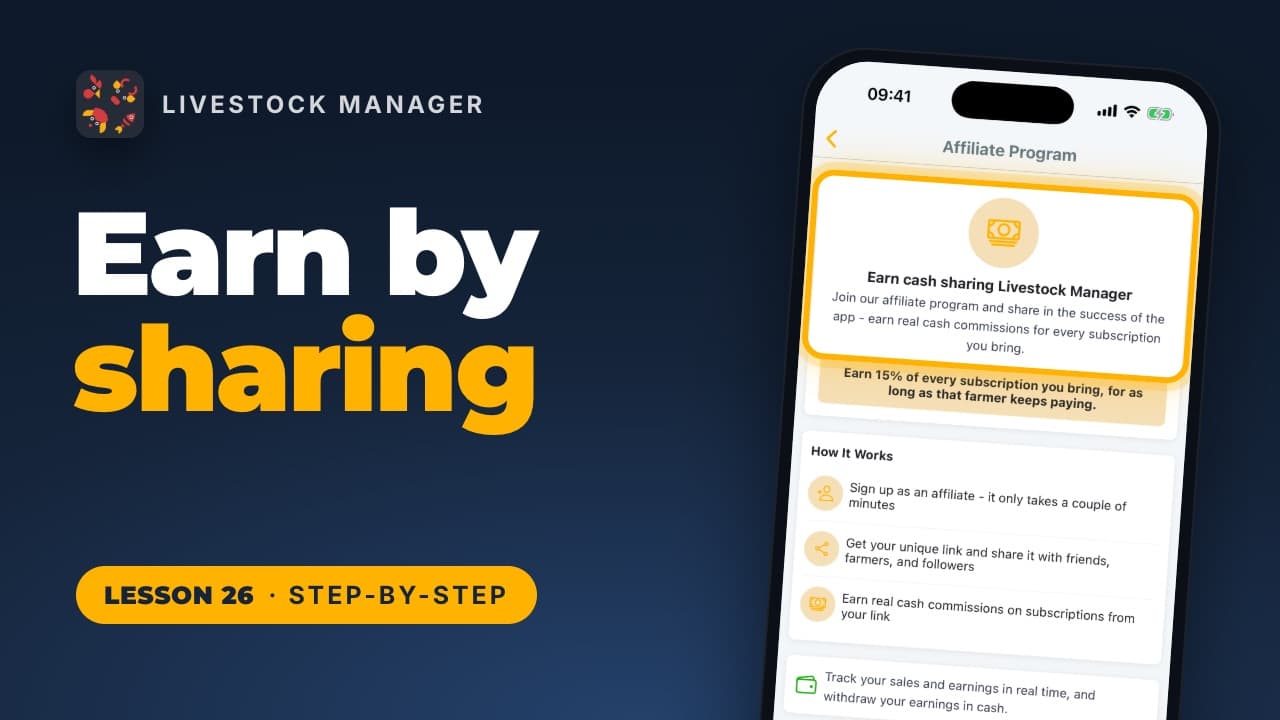
Lesson 26
Share your own link with farmers you know and earn 15% of every subscription it brings, for as long as that farmer keeps paying. Find it in More.

Livestock Manager
Pila کی جانب سے بنایا گیا


© 2026 Pila Studio UG (haftungsbeschränkt)۔ جملہ حقوق محفوظ ہیں۔